Escalation
You can escalate by full alarm, by entire row, or by the selected resources desired.
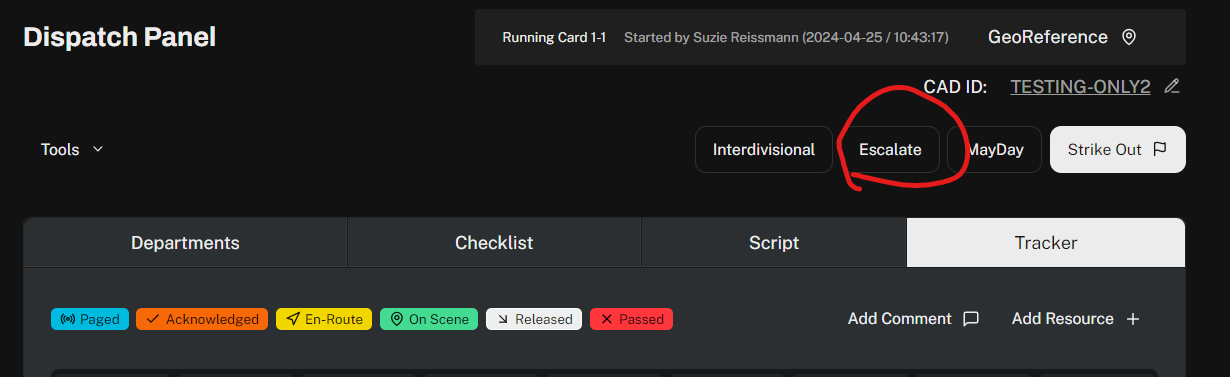
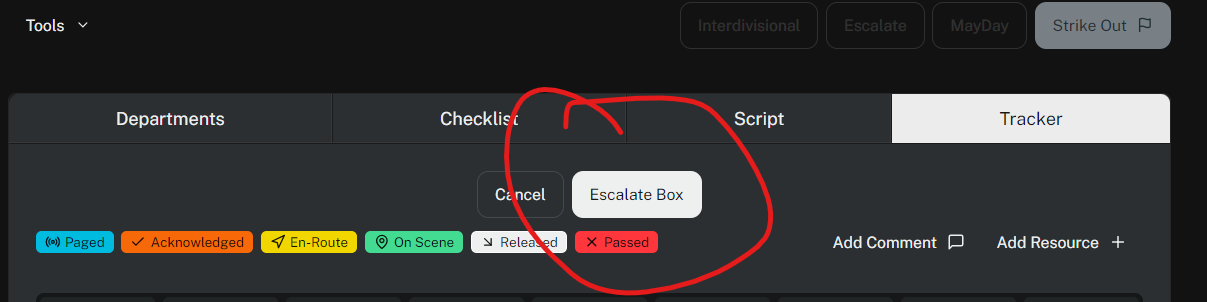
To start, click Escalate near the top right of the screen.
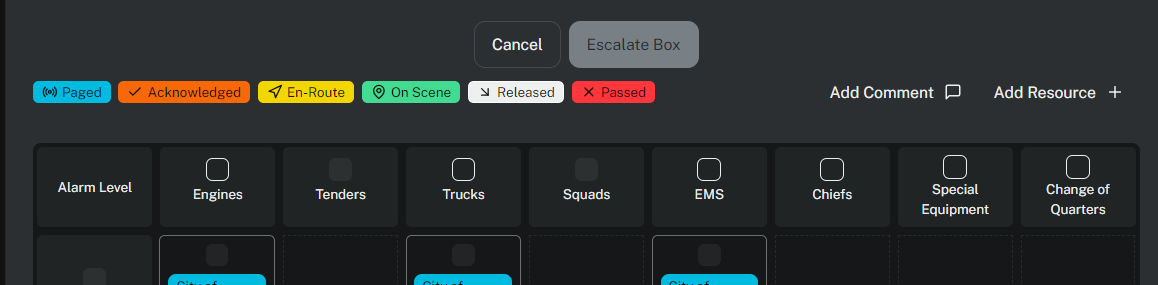
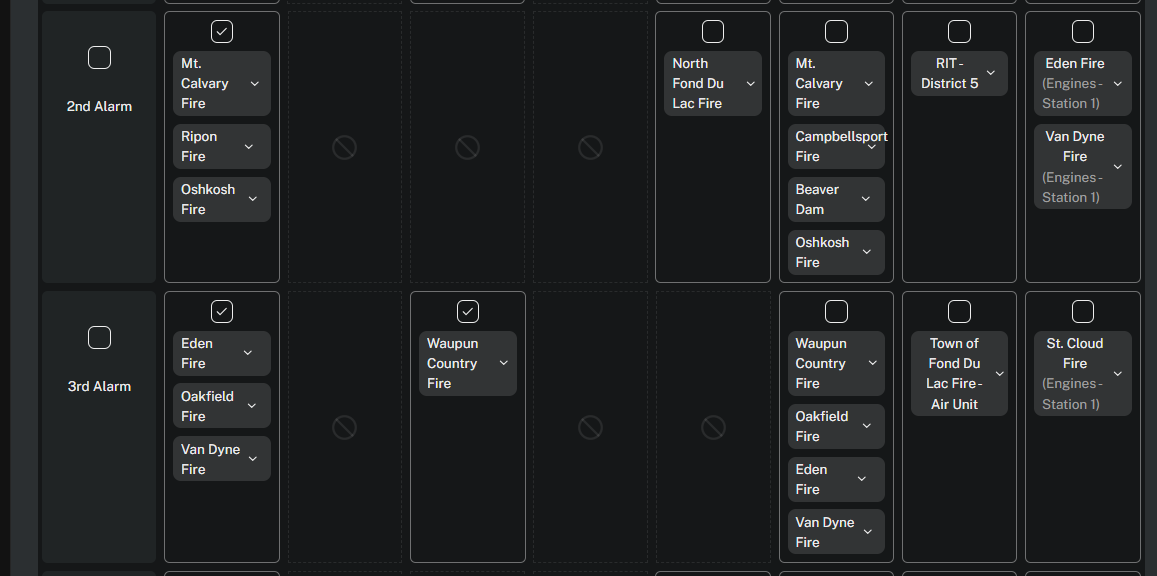
You can escalate an entire column by clicking in the box at the top of the column.
You can escalate by alarm level by clicking in the box by the desired alarm level.
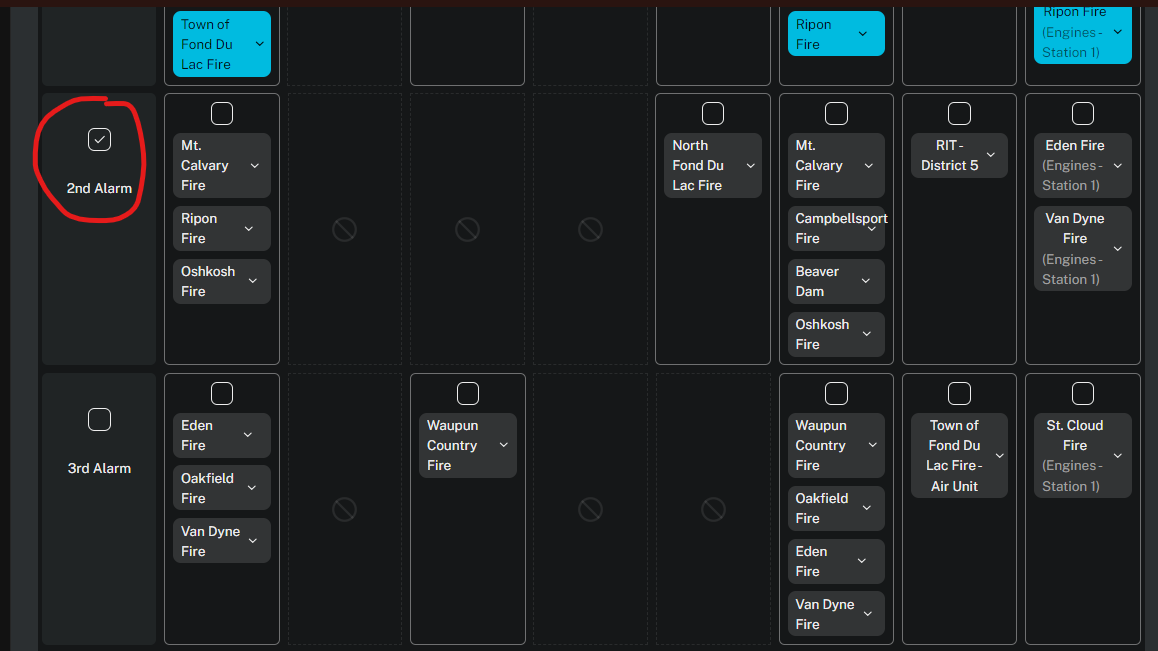
When you click an alarm level or column, all boxes affected by the escalation will have a checkmark.
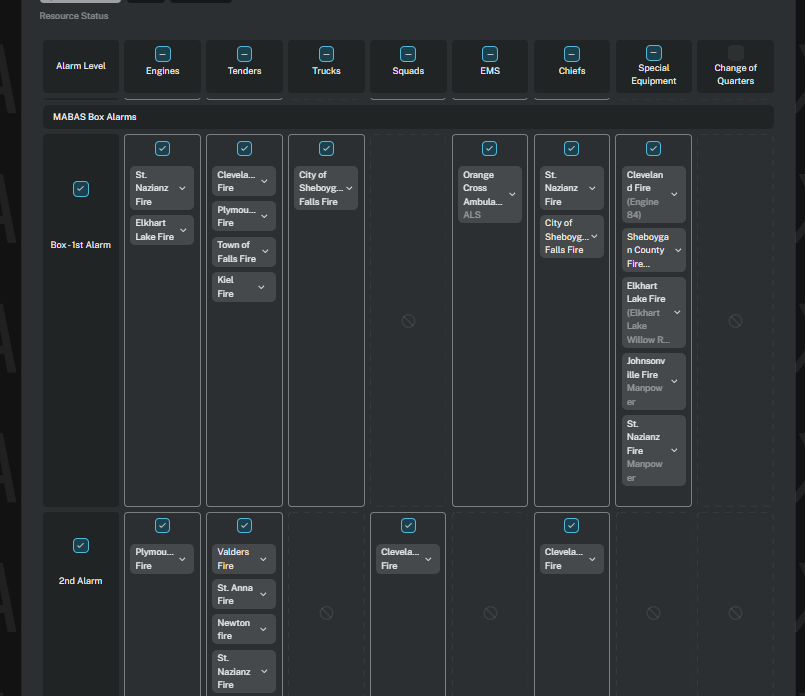
You can also escalate by quadrant by clicking on the boxes of the resources needed.
After your selection is made, click Escalate Box again.
The system will re-generate the departments tab and the script to only include the new units. The units will also be activated for tracking.
Was this article helpful?
That’s Great!
Thank you for your feedback
Sorry! We couldn't be helpful
Thank you for your feedback
Feedback sent
We appreciate your effort and will try to fix the article