To Update your Account Settings, click on the menu access at the top left of your screen, then click Settings.

You can view your user information here: Division, Agency, email and cell phone. Also, you can change your password and update your preferred notifications.
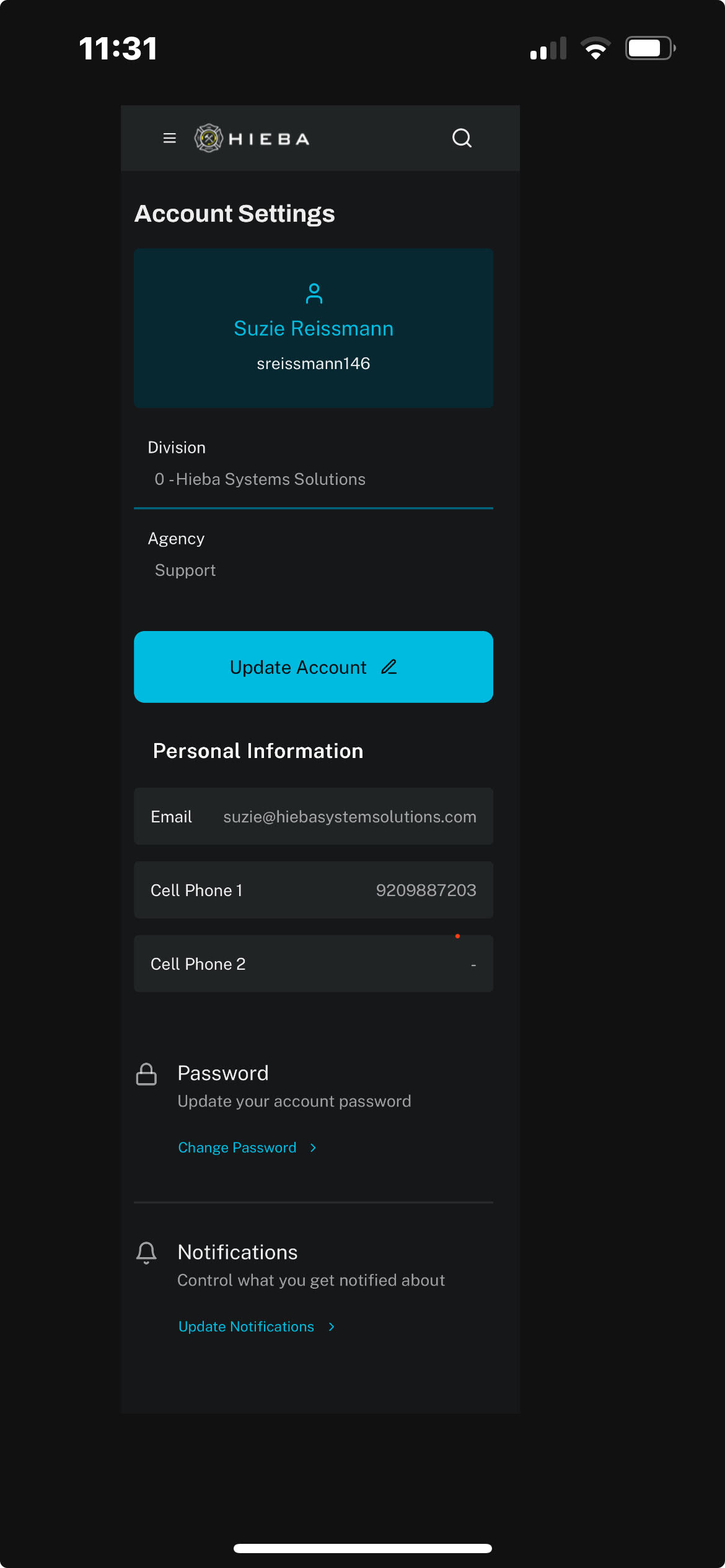
To update any of this information, click on Update Account in blue at the top of the page. Then you can modify any information, to include changing your notification preferences.

When finished, click Update & Preview near the top of the page.
To return back to your dashboard, click HIEBA at the top of the page.
Was this article helpful?
That’s Great!
Thank you for your feedback
Sorry! We couldn't be helpful
Thank you for your feedback
Feedback sent
We appreciate your effort and will try to fix the article