Interdivisional Cards
Any user with Build/Edit Box card permissions can build an Interdivisional Card - Task Force or Strike Team. To begin a new card, go to Box Cards, Build Interdivisional Card, or click on the Build Card button on your dashboard and select Build Interdivisional Card.
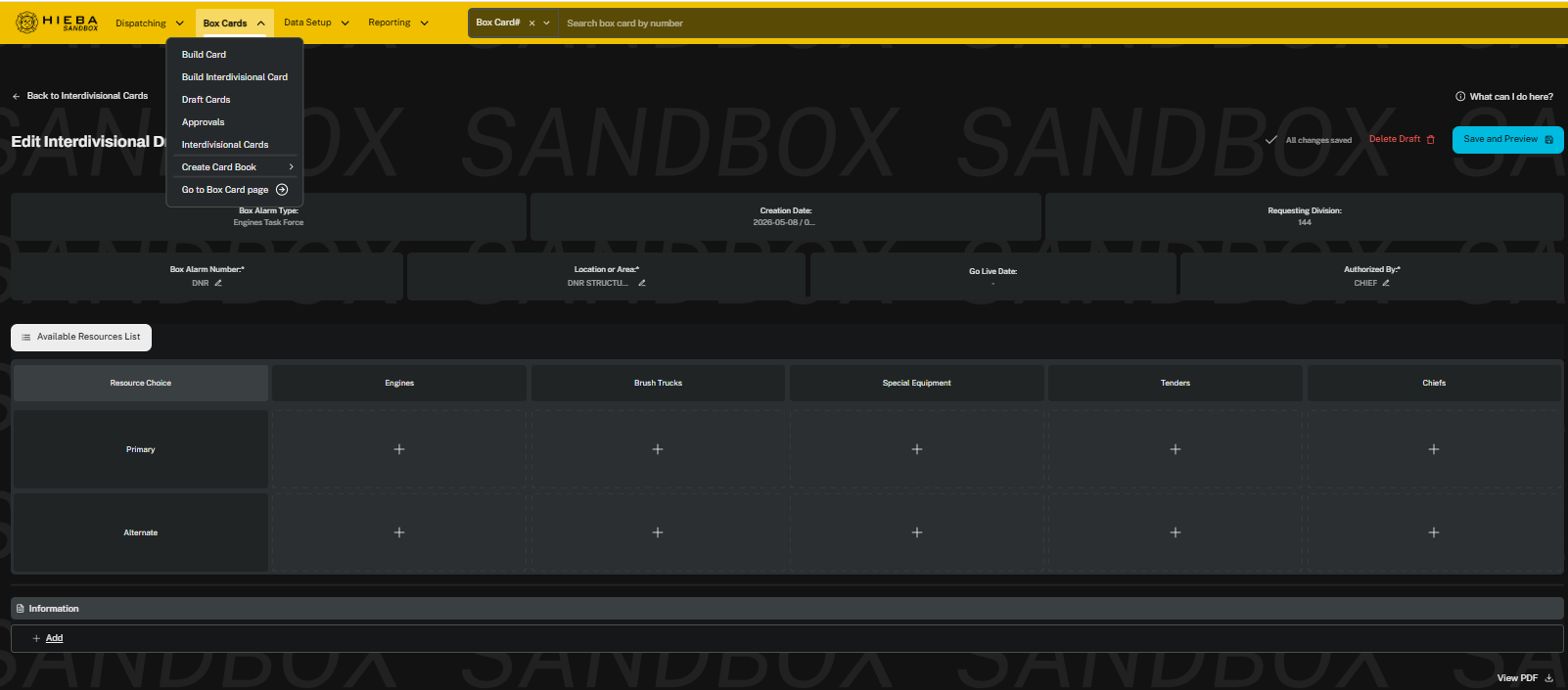
Required fields are indicated with an asterisk (*).
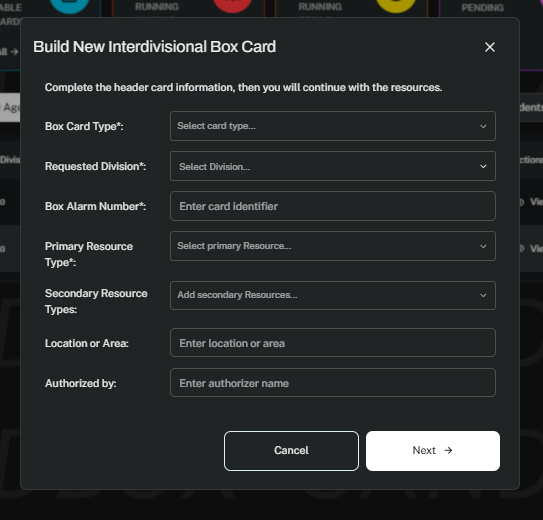
The columns order will display by how they are selected in the build screen.
The build process is the same as for other box cards. (See Build a New Box Card for details)
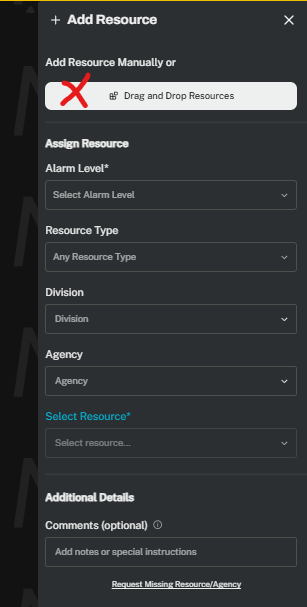
Adding a resource defaults to Add Resource Manually. If you prefer the new Drag and Drop option, click the button to switch to it.
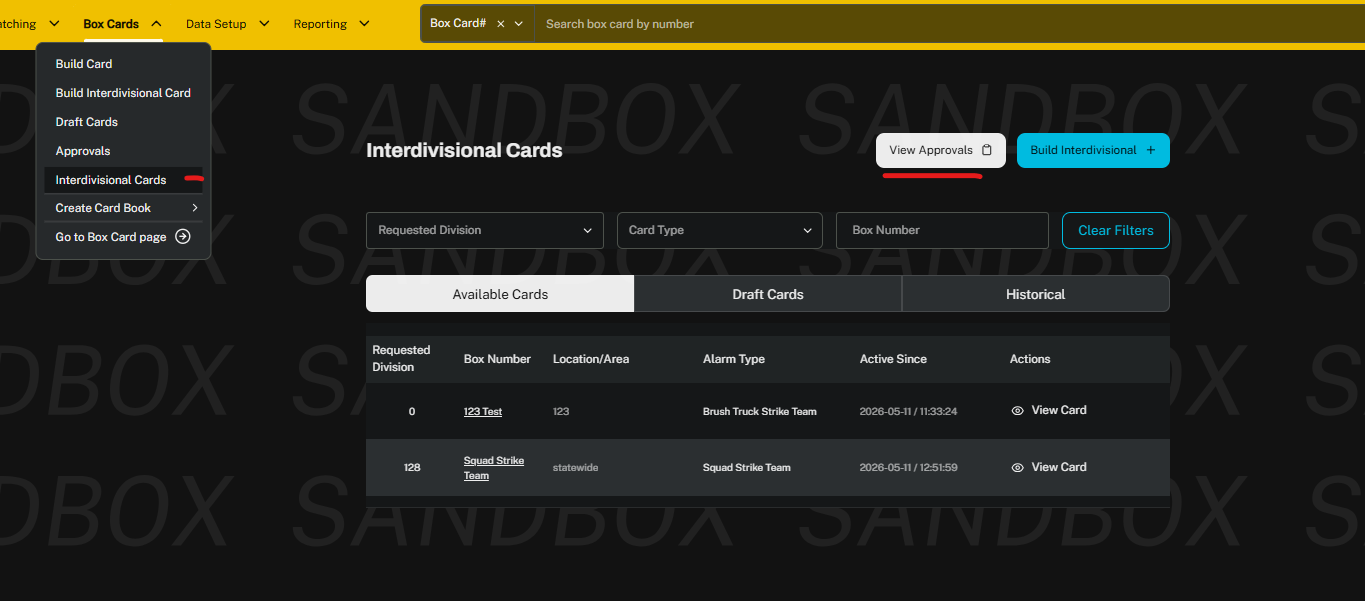
You can access available and draft interdivisional cards via the Box Cards drop down menu.
The approvals process is the same as other box cards. The interdivisional approvals will not show on the dashboard with other approvals. All things related to interdivisional are accessible via the drop down menu in Box Cards.
Was this article helpful?
That’s Great!
Thank you for your feedback
Sorry! We couldn't be helpful
Thank you for your feedback
Feedback sent
We appreciate your effort and will try to fix the article